Print resolution on fabric: dpi, file size and the eye
More dpi is not always more detail on cloth. Viewing distance, the weave and ink spread set a practical limit, and file size grows fast beyond it.
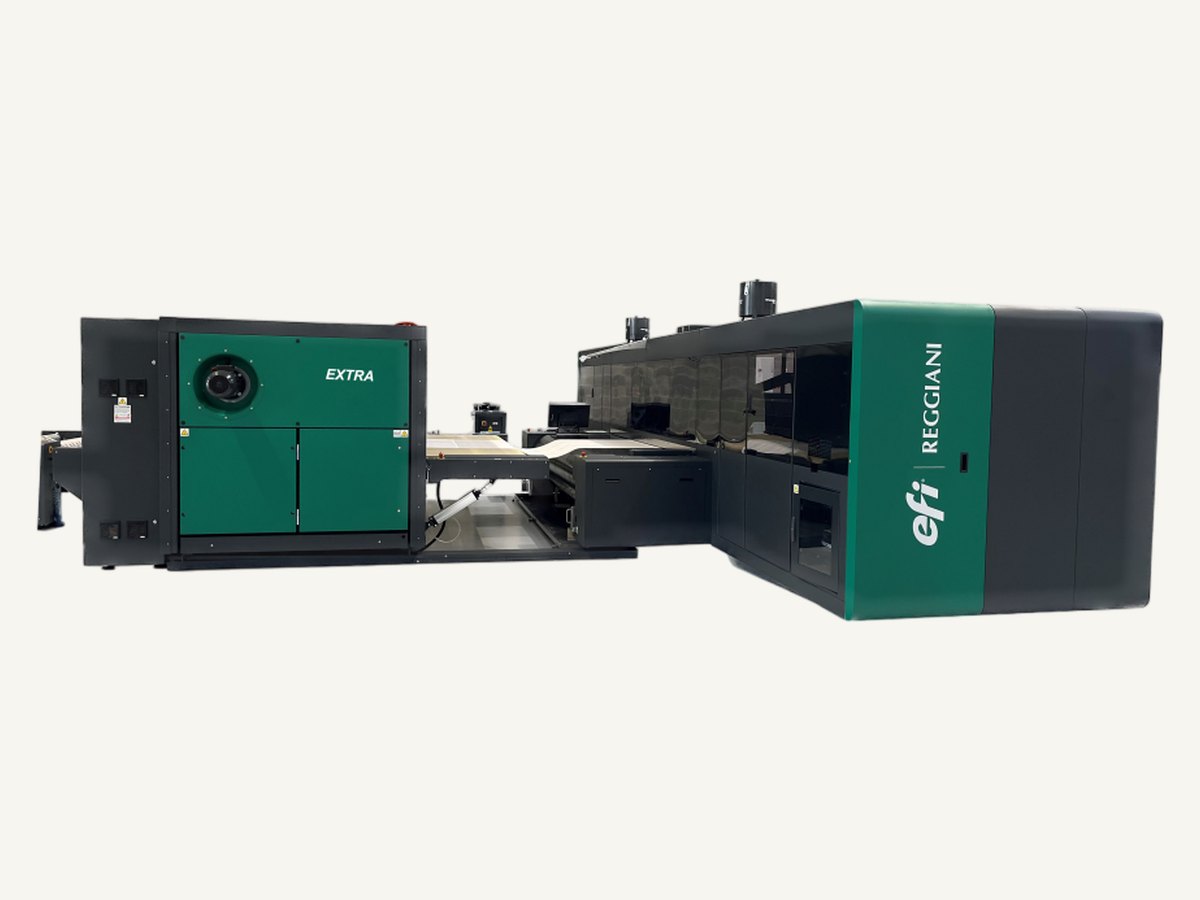
Resolution questions come up with almost every printed fabric order. Is 150 dpi enough? Should everything be 300? Why is the file so large? The answer depends on three things that are easy to confuse: the resolution of the file, the resolution of the printer and the detail the eye can actually see on a woven surface at the distance the product is used.
File dpi and printer dpi
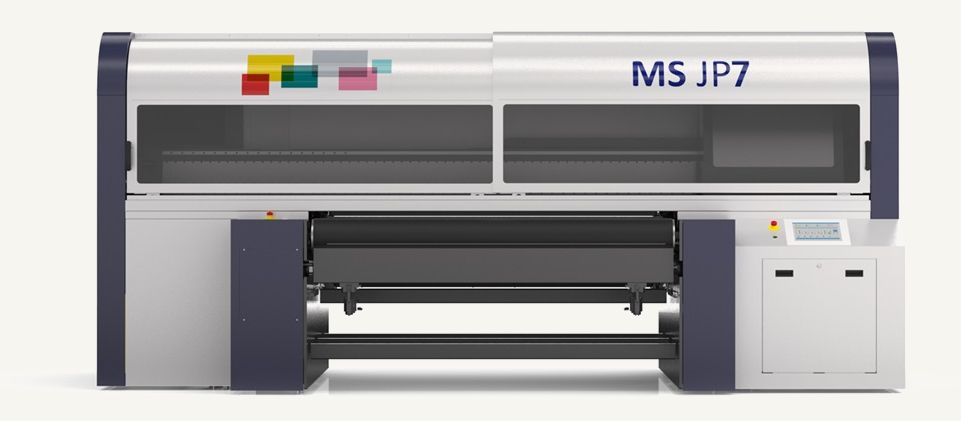
The dpi of a file is the number of pixels per inch at the size it will be printed. A digital textile printer also has a resolution, the number of ink drops it places per inch, which is usually higher than the file. The printer's software converts each pixel into a pattern of drops, so the two figures are not directly comparable. A file at 150 dpi printed on a machine running at a much higher drop resolution is normal and gives a smooth result.
What matters for the file is that it has enough pixels at the printed size to carry the detail in the design. A 10 cm motif scanned at 300 dpi and enlarged to 40 cm is only 75 dpi at print size.
What the eye can see
Normal vision resolves detail down to roughly one minute of arc. Converted into pixels on a surface, that gives an approximate upper limit for useful resolution at different viewing distances:
| Viewing distance | Finest detail seen | Approximate useful dpi | Typical product |
|---|---|---|---|
| 30 cm | About 0.09 mm | About 290 | Shirt cuff, label, close inspection |
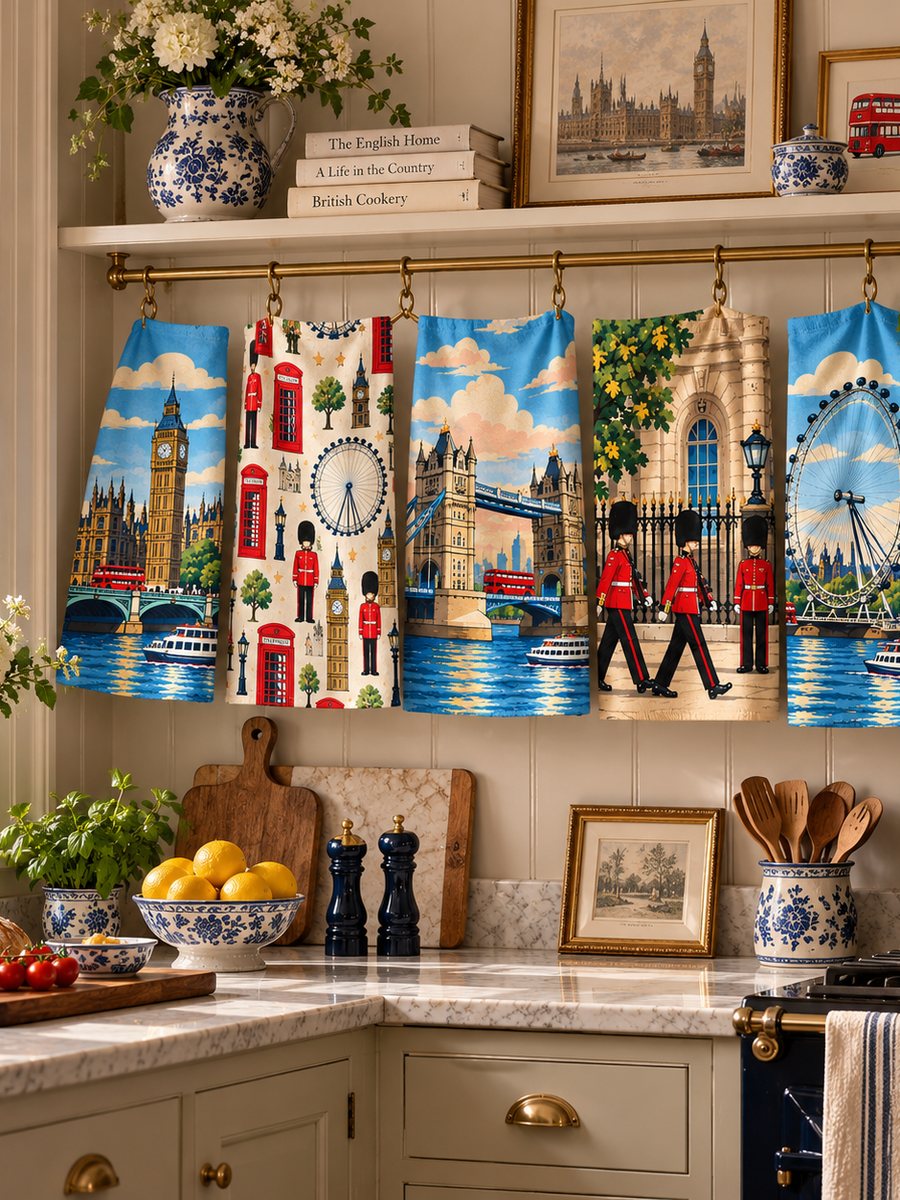
| 1 m | About 0.29 mm | About 90 | Tea towel on a rail, apron, bag |
| 2.5 m | About 0.73 mm | About 35 | Curtain across a room |
These are limits for high-contrast detail under good light. In practice most people look at a curtain from across a room and at a shirt from arm's length, which is why 150 dpi at print size covers most textile work and 200-300 dpi is kept for fine line work, small text and photographs on smooth cloth.
The cloth sets its own limit
Fabric is not paper. Ink lands on round yarns with gaps between them and spreads a little into the fibre. A fine poplin can hold detail well below a millimetre. A panama or basket weave softens it, because the textured surface breaks up fine lines. A heavy canvas holds bold graphics strongly but loses the finest gradients. Beyond a certain point, extra pixels only describe detail that the weave cannot carry. For a textured cloth, a clean 150 dpi file often prints identically to a 300 dpi one.
File size grows quickly
An uncompressed RGB image at 8 bits per channel takes three bytes per pixel. A full panel of 160 x 100 cm works out as follows:
- At 150 dpi: about 9,450 x 5,900 pixels, or roughly 167 MB uncompressed.
- At 300 dpi: four times as many pixels, roughly 670 MB.
Doubling the dpi quadruples the file. Large files are slower to transfer, check and process, and add nothing if the extra detail cannot be seen. For repeating designs, send the single repeat tile rather than a full length: the printer repeats it, and the file stays small. Lossless compression such as LZW in a TIFF reduces the size without harming the image.
Sensible working rules
- Build and check artwork at 100% of the printed size.
- Use 150 dpi as the default, 200-300 dpi for fine detail on smooth fabrics.
- Do not upscale a small file and expect new detail; redraw or rescan instead.
- Supply repeat tiles, not rendered lengths, for all-over designs.
- Judge detail on a strike-off on the real cloth, at the real viewing distance.
Our pigment digital and reactive digital printing both work from standard TIFF and PSD files. If you are unsure whether a file has enough resolution for the fabric you have chosen, send it to us and we will check it before sampling.